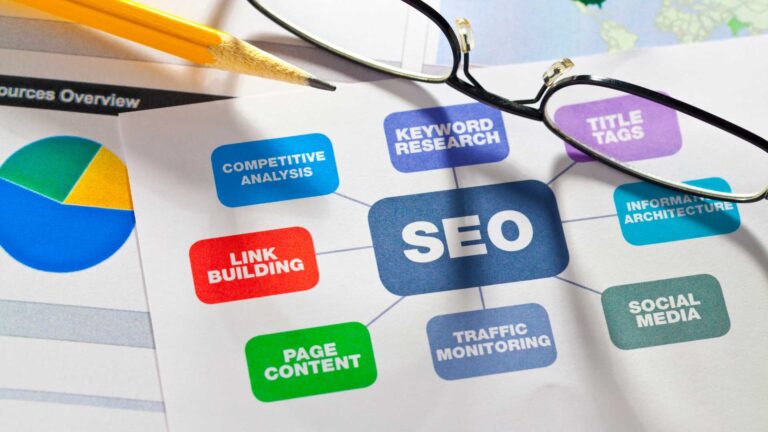
How to Fix Slow Landing Pages for Winning Landing Pages and a Good Bounce Rate In 2025
A visitor arrives on your website, anticipation building, only to be met with a sluggish page. Every delay in page load speed erodes trust, dims excitement, and negatively impacts your landing page performance. Slow landing pages not only increase your bounce rate but also hinder your conversion rate, making it harder to achieve success.
If you’ve ever wondered what is a good bounce rate, the answer lies in your page speed and overall user experience—both critical factors that influence how quickly your content and CTAs become visible. Slow loading times, whether on mobile or desktop, lead to poor Core Web Vitals scores and ultimately affect how visitors engage with your site.
The good news is you can fix slow landing pages in 2025 with proven strategies. This guide will help you optimize landing page elements, from compressing images to eliminating unnecessary JavaScript, so you can improve landing page performance and move ahead of your competition.
Identify Common Causes of Slow Landing Pages
A winning landing page loads quickly, captures attention, and draws visitors deeply into your content. However, slow landing pages often result from heavy large media files, bloated code, and slow servers, which negatively impact landing page speed and increase page load time. Recognizing these common causes is your first step to restoring a seamless user experience. Let’s explore the main issues you should address first.
Large Unoptimized Images
Unoptimized images are a major factor behind slow landing pages. Large media files such as oversized, uncompressed, or outdated formats can dramatically extend page load time, frustrating visitors on both mobile and desktop.
These unoptimized images act like extra weight on your site’s performance, dragging down the user experience. To improve landing page speed, consider these actionable steps to compress images without losing quality:
- Switch to modern formats: Use WebP or AVIF to reduce file sizes efficiently.
- Set proper dimensions: Upload images sized exactly to the design requirements rather than using large originals.
- Use lazy loading: Delay loading of images below the fold until visitors scroll to them.
Optimizing your images not only enhances speed but also elevates overall site smoothness. For a detailed guide on how to compress images effectively, see this in-depth breakdown of image compression and performance.
Excessive JavaScript and CSS
Excessive amounts of JavaScript and CSS code are common contributors to slow landing pages. When a browser processes numerous separate files, the increase in HTTP requests causes delays in rendering main content.
Addressing this requires careful code compression and file management:
- Minify your code: Remove unnecessary spaces, comments, and characters to reduce file size.
- Combine files: Merge CSS and JavaScript into fewer files to decrease the number of HTTP requests.
- Defer non-essential scripts: Load scripts that aren’t critical for initial rendering after the main content appears.
Streamlining JavaScript and CSS can significantly improve landing page speed, as highlighted by experts at Instapage. To learn practical steps on minifying code and improving load time, explore this comprehensive guide.
For insight on how code compression ties into user experience and SEO, check out page optimization for SEO speed and UX.
Lack of Caching and CDN
Without proper caching and a Content Delivery Network (CDN), your server must deliver all files—images, scripts, styles—fresh with each visit, increasing page load time. This extra demand slows down the overall experience.
Implementing caching allows browsers to store copies of static resources locally, so returning visitors will see instant loading. Meanwhile, a CDN distributes your site’s static files across servers around the globe. This means visitors, especially mobile users, receive resources from a server physically closer to them, speeding up delivery and improving accessibility.
Websites leveraging caching and a CDN enjoy faster load times and smoother performance everywhere. For step-by-step guidance, refer to this guide to optimizing site speed with caching and CDNs.
Optimizing these technical elements forms the foundation of any effective, high-performing landing page.
Core Technical Fixes to Boost Page Load Speed
A winning landing page captures users immediately, featuring content that loads quickly and keeps them engaged. Slow page load times can hurt your performance, causing visitors to leave before interacting. The good news? Technical tweaks to improve landing page performance are well within reach. These key fixes can reduce load times, enhance user experience, and help your site make the most of every visit.
Optimize Images and Use Modern Formats
Unoptimized images are one of the biggest factors dragging down page speed and increasing page load time. Large, uncompressed files consume bandwidth and slow loading, especially on mobile networks. To create a landing page that feels crisp and responsive, image optimization must be a top priority.
- Compress images before upload using reliable tools like Squoosh, TinyPNG, or ImageOptim. This reduces file size while maintaining visual quality.
- Serve modern formats like WebP to deliver sharp results with smaller file sizes compared to JPEG or PNG, enhancing overall page speed. See how to optimize images for the Web and CDNs for more details.
- Specify accurate dimensions and attributes so browsers can efficiently load and lay out visual elements without guessing.
- Lazy load images below the fold so only the images visible to the user load initially, helping reduce first paint times.

When you compress images and optimize their delivery, you smooth the user’s experience and help the page load faster. This focus on eliminating unoptimized images leads to less friction and more engagement on your landing page.
For an in-depth look at reducing network payloads through image optimization, check out this guide to avoiding enormous network payloads.
Minify and Defer JavaScript/CSS
Heavy JavaScript and bloated CSS can stall your landing page load. Every unnecessary space, unused comment, and bulky library adds to the weight browsers must process. By applying code compression through minification and deferring non-essential files, you streamline your site for better speed.
Effective techniques for trimming code:
- Minify code: Use tools like UglifyJS or CSSNano for code compression, removing whitespace, shortening variable names, and stripping comments.
- Bundle files: Combine multiple JavaScript or CSS files into fewer requests to improve load times.
- Defer non-critical scripts: Prioritize loading essential scripts first, and delay others (such as analytics or chat widgets) so they load after content is visible. This keeps attention on your CTA without delay.
- A/B test scripts to identify which are essential and which can be trimmed for better performance.
For a thorough overview of JavaScript optimization techniques to reduce load times, explore this in-depth guide on faster website load times.
Optimizing your code this way makes a significant impact, allowing vital page elements to display sooner and improving user engagement.
Enable GZIP Compression and Browser Caching
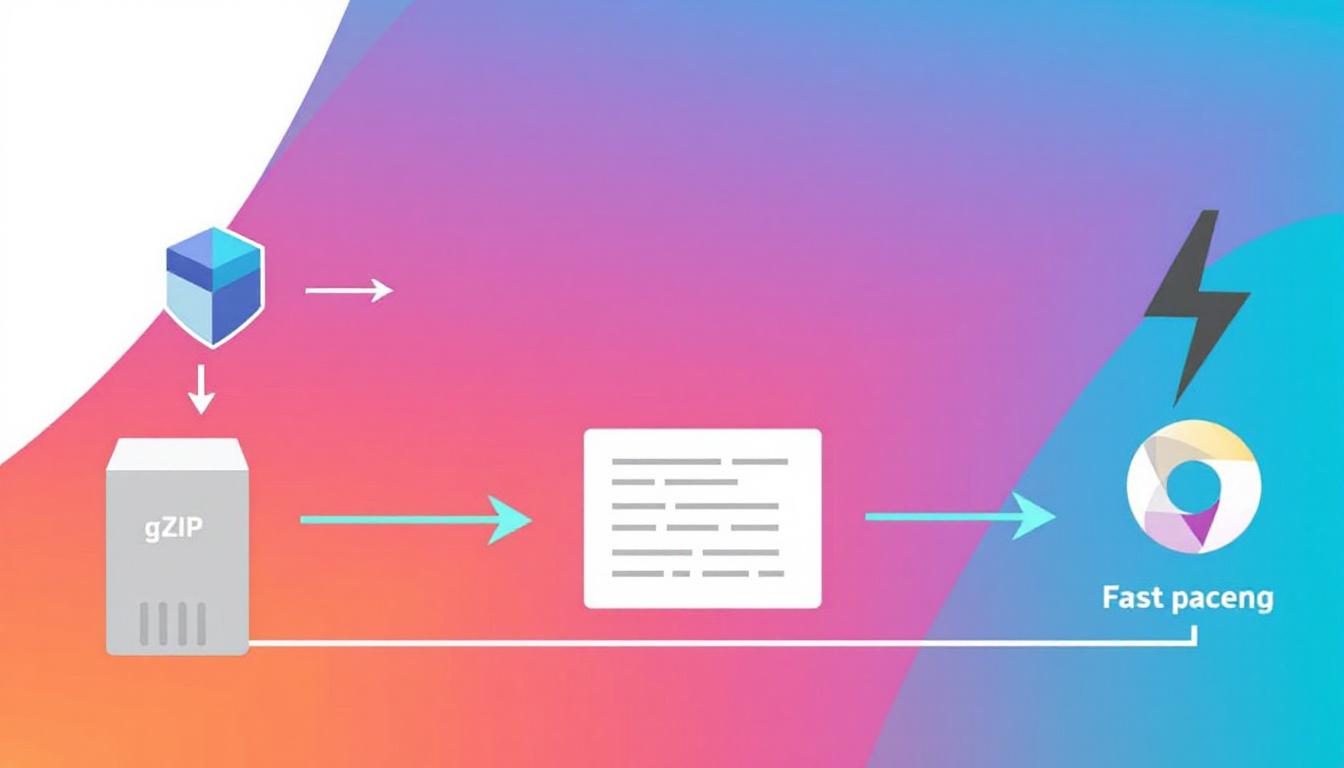
Most visitors won’t notice the behind-the-scenes use of gZIP compression and caching, but they will appreciate a landing page that loads swiftly. gZIP compression shrinks files so they travel faster over the network, while caching enables browsers to store static assets locally, reducing repeated downloads for returning users.
Benefits of implementing gZIP compression and caching include:
- Reduced file sizes sent over the network, cutting down wait times before content appears.
- Browser caching stores site assets making page load time quicker on repeat visits.
- Lower server load which improves your site’s ability to handle traffic spikes.
For step-by-step instructions, refer to this comprehensive guide on website speed optimization including caching and gZIP.
Combining these techniques ensures your landing page remains fast and responsive for all users. To explore more on how technical improvements aid SEO, check out this complete on-page SEO guide.
Leverage a CDN for Global Delivery
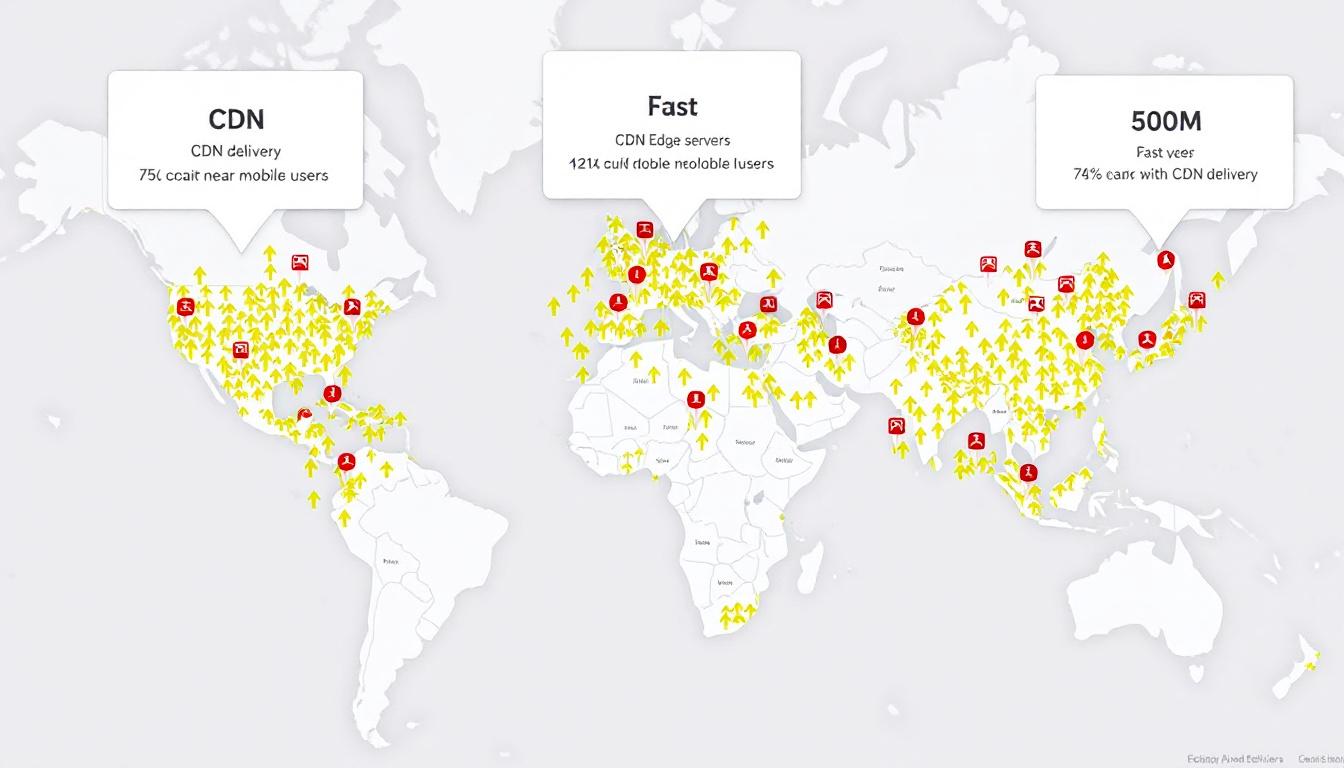 A Content Delivery Network (CDN) acts as a worldwide system of servers that deliver your website’s static files closer to the user’s location. Instead of every visitor retrieving content from your main server, a CDN serves files from an edge server nearby, slashing latency and improving overall page speed.
How a CDN helps your landing page performance:
- Reduces latency for users everywhere by serving files from geographically close edge nodes.
- Decreases risk of slowdowns or downtime during high traffic periods.
- Supports mobile optimization by delivering assets quickly to users on mobile devices, where speed is critical.
Learn how to boost your site’s speed globally with a CDN and smart image optimization.
By laying the right technical groundwork, your landing page will deliver content instantly and help you focus on refining CTAs and driving success.
Improve User Experience to Lower Bounce Rate
To optimize landing page performance, enhancing user experience is one of the fastest ways to decrease bounce rate and boost your conversion rate. By making each visit smooth and enjoyable, you reduce the chances of visitors leaving prematurely, ensuring more meaningful engagement. The following sections explain how clear Call to Action (CTA) placement, a mobile-first approach, and streamlined content—supported by intelligent technical decisions—can significantly elevate user interaction and effectiveness.
Clear CTA Placement and Social Proof

A clear call-to-action above the fold, alongside visible testimonials and trust badges.
The Call to Action (CTA) should be instantly recognizable when a visitor lands on your page. Place a bold CTA button above the fold where attention is naturally strongest. Use compelling, straightforward language such as “Start Free Trial” or “Download Now,” and ensure the CTA has enough white space to stand out without distraction.
Incorporate social proof nearby to build user trust and credibility. This could include:
- Brief testimonials from real customers with names and photos
- Trusted third-party badges like SSL certificates or industry awards
- Case study highlights or quick stats illustrating your results
Positioning social proof adjacent to your CTA helps reduce hesitation and reinforces the value of taking action. For additional strategies on how to optimize landing page trust signals and flow, check out these proven tactics to reduce bounce rate and boost SEO.
Mobile-Friendly Design and Fast Rendering

A landing page example on a smartphone, optimized for mobile devices with clear CTAs and quick rendering.
With mobile users dominating web traffic, adopting a mobile-first strategy is essential. Mobile optimization isn’t optional—it forms the backbone of successful landing pages today. Opt for layouts that adapt seamlessly to any screen size, featuring legible fonts (16 pixels or larger), tap-friendly buttons, and vertically flowing content for easy navigation.
Fast load times are especially critical for mobile users. Strive to keep paint times under two seconds by:
- Minimizing heavy JavaScript and resource-intensive animations
- Prioritizing the loading of key content while deferring less critical visuals and scripts
- Compressing and optimizing images specifically for mobile displays
Ensuring your landing page performs well in Core Web Vitals metrics will improve user experience and search rankings. Continual mobile optimization through A/B testing and monitoring tools like Google PageSpeed Insights will help you maintain an edge and reduce exit rates.
Streamline Content and Reduce HTTP Requests

A wireframe showing minimized content and fewer plugin icons to boost speed by reducing HTTP requests.
Concise, focused content complements fast load times perfectly. Clear headlines and brief paragraphs let visitors quickly grasp value and move toward your CTA without overwhelm. Trim unnecessary details to improve clarity.
While plugins can add functionality, each one contributes to longer loading due to additional HTTP requests. Review your landing page and remove any plugins that don’t directly enhance user experience or analytics. Some helpful practices include:
- Combining CSS and JavaScript files to lower the total number of HTTP requests
- Choosing lightweight themes and avoiding features that trigger extra script loading
- Loading only essential plugins that support core user engagement or data tracking
Reducing HTTP requests and streamlining plugins leads to faster, leaner pages focused on guiding visitors effectively.
By fine-tuning these user experience elements, your landing page will achieve stronger engagement, improved conversion rate, and a steadily declining bounce rate. To delve deeper into measuring interaction, explore how zero-click searches work and why they matter.
Test, Measure, and Iterate
Building winning landing pages doesn’t end with cleaning up code or optimizing images. Continuous testing and measuring are essential for improving landing page performance over time. Progress happens in iterations—the moment you pause improvements, competitors can take the lead. Here are practical steps to test your adjustments and discover what drives your landing page success even further.
Use Google PageSpeed Insights and Lighthouse
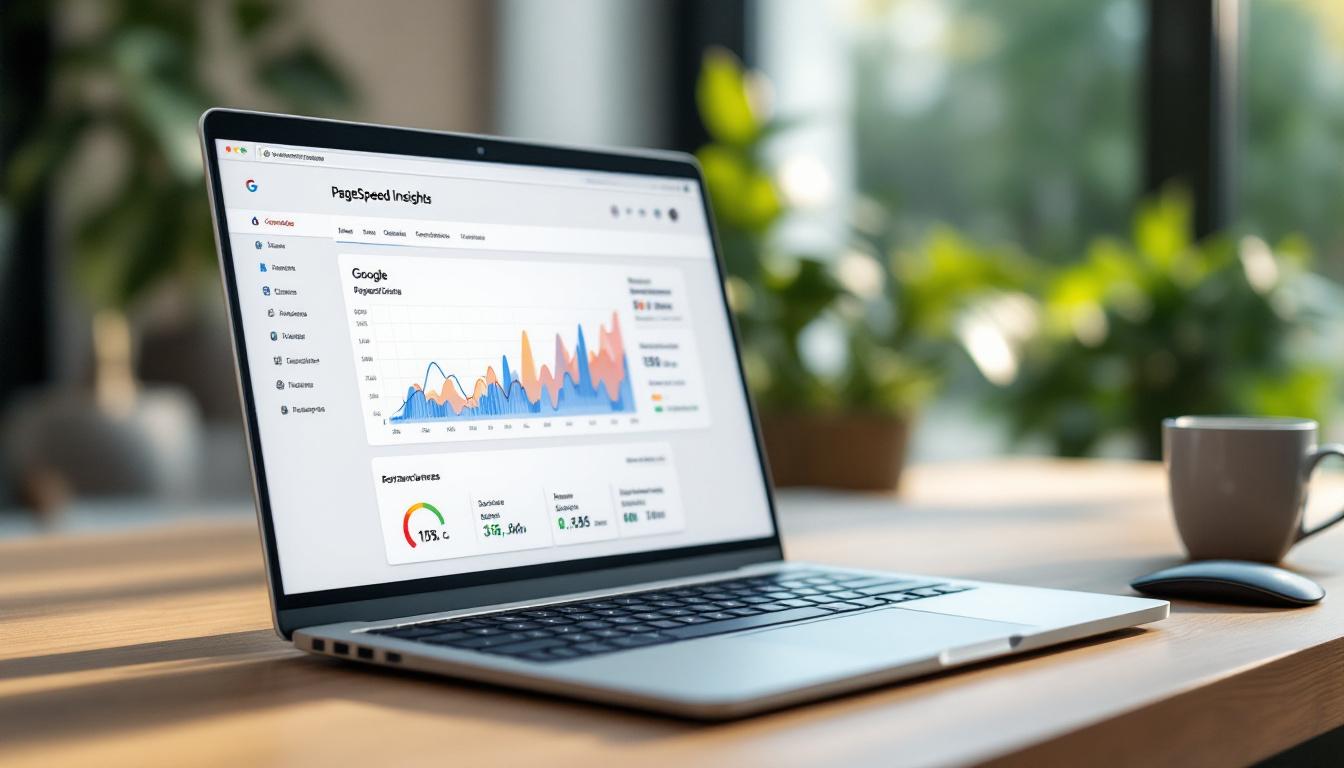
A laptop showing Google PageSpeed Insights and Lighthouse audits, highlighting performance metrics and issues.
Google provides two powerful tools for analyzing page speed: PageSpeed Insights and Lighthouse. Both offer valuable scores on mobile and desktop performance, pinpointing bottlenecks and recommending fixes. Here’s how to maximize their value:
- Run tests consistently: Enter your landing page URL into PageSpeed Insights or use Chrome DevTools to run Lighthouse tests. These deliver real-world page load time data.
- Review Core Web Vitals and scores: Lighthouse reports cover performance, accessibility, best practices, and SEO. Scores under 85 indicate opportunities for optimization.
- Focus on key recommendations: The audits highlight elements slowing your page, including oversized images or unused resources. Addressing the most significant issues first yields the best results.
- Retest after updates: Each time you revise images, scripts, or plugins, rerun the tools to monitor progress.
For more details on improving your metrics, see this guide on reducing Lighthouse Speed Index and improving Google PageSpeed performance. Regular evaluations are essential to prevent your landing page from slipping back into slow loading times.
Run A/B Tests on Headlines, Images, and CTAs

Two landing page variants side by side for A/B testing headlines, images, and Call to Action (CTA) buttons.
Once your landing page loads efficiently, running A/B testing on page elements helps boost engagement and conversions. A/B testing—also known as split testing—allows you to compare two versions of a headline, image, or Call to Action (CTA) to determine which resonates best with your visitors.
- Set clear test parameters: Select one element to test at a time, such as headline phrasing or the color of a Call to Action (CTA) button. Utilize platforms like Google Optimize, Optimizely, or VWO.
- Divide your audience: Present the original version to half your visitors and the variation to the other half.
- Analyze user interaction: Measure clicks, form completions, or purchases to identify which version performs better.
- Allow sufficient test duration: Run tests long enough to gather reliable data—typically a week or more with steady traffic.
- Iterate continuously: Once a variant outperforms, make it your new baseline and test another element.
Effective A/B testing isn’t just about numbers; it’s about crafting a landing page experience that feels natural to your audience and keeps visitors engaged. To further enhance results, explore proven CTA placement tactics and strategies to improve user engagement.
Track Bounce Rate and Conversion Metrics in GA4

Analytics dashboard tracking bounce rate and conversion metrics in GA4, showing the impact of speed optimizations.
GA4 (Google Analytics 4) serves as your primary dashboard to monitor visitor behavior and understand how site speed improvements influence engagement. Here’s how to interpret your data effectively:
- Track bounce rate trends: Use the Engagement reports to see how bounce rates evolve following each update or optimization.
- Align speed fixes with metrics: Compare improvements from tools like Lighthouse with changes in bounce rate. Reducing page load time typically improves visitor retention.
- Observe conversion uplift: Monitor key events such as form submissions or clicks on Calls to Action to assess the impact of your optimizations.
- Segment by device type: Analyze metrics specifically for mobile users, desktop, and tablets. Poor performance on mobile users can significantly affect overall results.
- Create custom dashboards: Build tailored views to keep essential KPIs visible and react promptly to shifts in performance.
To deepen your understanding of GA4 for user experience and engagement tracking, check out this GA4 resource for advanced website tracking.
Consistent, focused measurement is how you maintain a fast, effective landing page, ensuring visitors stay engaged and your goals are met—just as Google and your audience expect.
Conclusion
Slow landing pages will always hold you back, driving up bounce rate and sinking conversion rate even before your visitors can see your message. Improving page load speed by optimizing images, minifying JavaScript and CSS, enabling gZIP compression, and using effective caching alongside a reliable CDN all contribute to enhanced landing page performance that keeps users engaged. When you streamline content, position your CTA where it shines, and focus on mobile devices, you create a user experience that stops the bounce.
Winning landing pages in 2025 prioritize landing page speed, aiming to minimize load times as part of a strategy to improve landing page performance across the board. Each second you trim from your site’s speed builds trust and encourages visitors to explore further.
Ready to start? Put these steps into action to optimize landing page performance and watch your site move closer to the results you’ve been striving for. For a full walkthrough from start to finish, visit the detailed guide to fixing slow landing pages and lowering bounce rate so your website can win more conversions starting now.